

SiteSpeedBot is a free WordPress speed test that tells you what’s actually slowing your site down, and exactly what to do about it. Real browser, real locations, real Google data. No opt-in, no credit card, results in about 90 seconds.
Most speed test tools hand you a score out of 100 and a wall of generic warnings. SiteSpeedBot was built by the team at WP Speed Fix after optimizing more than 5,000 WordPress sites, so the advice is written for WordPress: the plugins, themes, hosts and settings that cause the problems we see every day.
Why SiteSpeedBot is different
It’s not another PageSpeed Insights wrapper
Search for a speed test tool and you’ll find dozens that look different on the outside but run the same Google Lighthouse engine underneath, with the same recommendations. SiteSpeedBot loads your page in a real Chrome browser from the location you pick, records every file in a full waterfall, then runs the results through our own WordPress rules engine.
Core Web Vitals first, because that’s what Google uses
Your report opens with a straight answer: does this site pass Google’s Core Web Vitals or not? The test pulls 28 days of real visitor data from the Chrome UX Report (CrUX), the same field data Google uses in search, and puts it next to the lab test. You see Loading (LCP), Responsiveness (INP) and Stability (CLS) as a clear pass or fail, not a vanity score.
Advice written for WordPress
We check for more than 40 WordPress-specific issues: slow hosting, admin-ajax bloat, missing lazy loading, heavy page builders, oversized images, third-party scripts and much more. Every recommendation says why it matters and how to fix it, and the report puts the top three fixes right at the top so you know where to start.
Test from where your customers are
A site hosted in the US can feel quick in New York and painfully slow in Sydney. SiteSpeedBot tests from 18 real locations around the world:
- Australia (Sydney)
- Brazil (Sao Paulo)
- Canada (Toronto)
- Finland (Hamina)
- France (Paris)
- Germany (Frankfurt)
- Hong Kong
- India (Mumbai)
- Ireland (Dublin)
- Italy (Milan)
- Netherlands (Amsterdam)
- Singapore
- South Africa (Cape Town)
- Thailand (Bangkok)
- UAE (Dubai)
- UK (London)
- USA (Los Angeles)
- USA (Virginia)
What you get in every report
- A clear Core Web Vitals verdict: passing, failing or mixed, from real Google data where your site has enough traffic.
- Your top three fixes, in plain English, ranked by impact.
- Lab speed metrics: Largest Contentful Paint, Total Blocking Time, Cumulative Layout Shift, First Contentful Paint, Time To First Byte and page weight.
- A full waterfall of every request, sortable by load order, time, size or status code, with filters to find the slow and broken files fast.
- Technical detail: DNS, connection, SSL, server response, protocol (HTTP/2 and HTTP/3) and hosting information.
- An SEO check: a preview of how the page looks in Google and when shared on social media, with fixes for titles, descriptions and share tags.
- A shareable report link you can send to your developer or host, plus a 12-month test history for each domain so you can track progress.
Why site speed is worth your attention
A slow site costs you money quietly. Visitors leave before the page finishes loading, paid clicks bounce before they see your offer, and failing Core Web Vitals holds back your rankings in Google. Speed is one of the few website improvements that helps SEO, ads and conversion rates all at once.
The hard part is knowing what to fix. A generic score doesn’t tell you whether the problem is your host, your theme, a plugin or a 3MB hero image. That’s exactly the gap SiteSpeedBot was built to close.
How to run a speed test
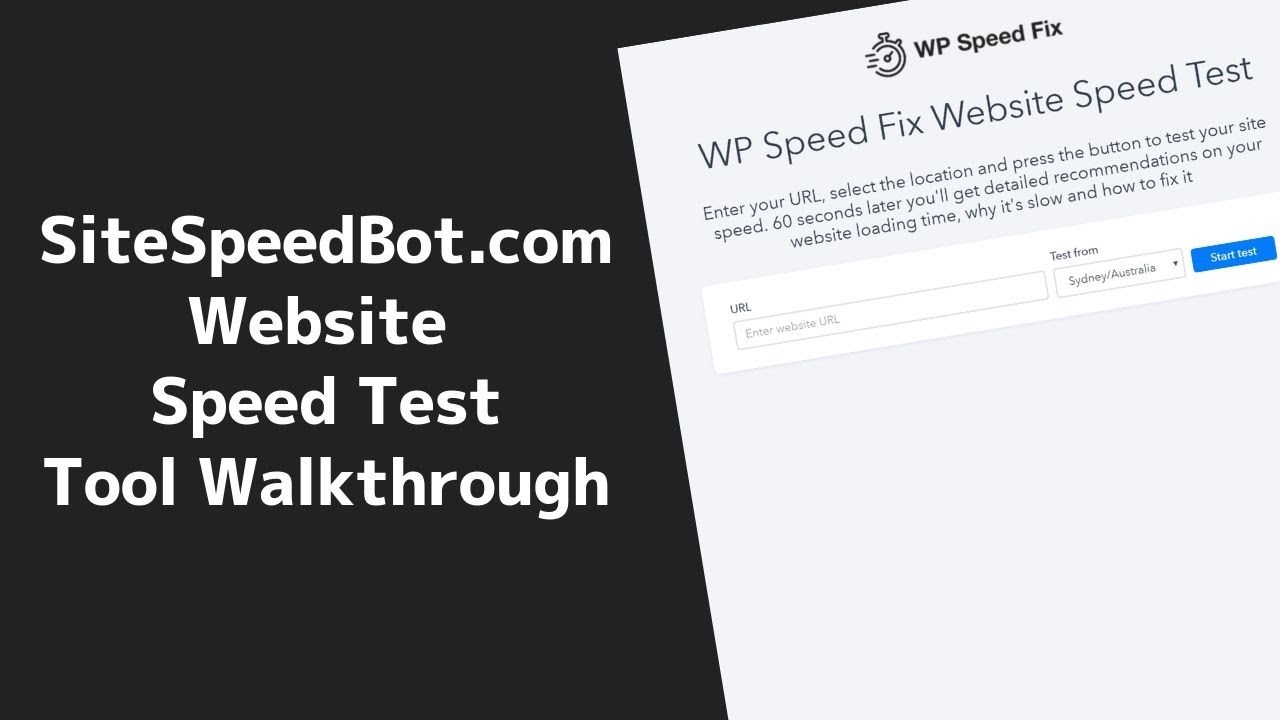
- Go to the WordPress speed test on WPSpeedFix.com.
- Enter the page you want to test. Test your homepage, then test your most important landing, product or checkout pages too.
- Pick the location closest to your customers.
- Hit Run Test. Results are ready in around 90 seconds; larger, slower pages take a little longer.
Run two or three tests and look at the average. A single test can be thrown off by a cold cache or a busy server, so one number is never the full picture.
The numbers to aim for
- Time To First Byte: 0.1 to 0.3 seconds in the country where the site is hosted, 0.2 to 0.6 seconds internationally.
- First Contentful Paint: 1.8 seconds or less.
- Largest Contentful Paint: under 2.5 seconds.
- Interaction to Next Paint: under 200 milliseconds.
- Cumulative Layout Shift: under 0.1.
- Page weight: under 1.5MB where you can.
Hit these and you’re in Google’s “good” range for Core Web Vitals, with a site that feels instant to your visitors.
Want to track real visitors over time?
A speed test is a snapshot. To see how real Chrome users experience your whole site week by week, run the free Core Web Vitals report. It shows up to 40 weeks of LCP, INP and CLS history and can email you an update every week or month, so you’ll know when something changes before your rankings do.
Rather have experts fix it for you?
SiteSpeedBot shows you what’s wrong. If you’d rather hand the fixing to people who do this every day, the WP Speed Fix team has optimized more than 5,000 WordPress sites and can make yours load lightning fast too. Start with a free site review and we’ll tell you what’s holding your site back and what it will take to fix it.
Frequently asked questions
Is SiteSpeedBot really free?
Yes. There’s no opt-in, no email address and no credit card. Enter a URL and run the test.
Does it work on sites that aren’t WordPress?
It will test any public web page. The recommendations are tuned for WordPress, so WordPress and WooCommerce sites get the most from it.
Why is my score different to PageSpeed Insights or GTmetrix?
Every tool tests from a different place, on a different device and connection, with a different engine. PageSpeed Insights simulates a slow mobile phone; SiteSpeedBot loads the page in a real browser from the location you choose. Compare results within one tool over time, and treat Google’s real visitor Core Web Vitals data as the number that counts.
Should I act on every recommendation?
No. Treat recommendations as a guide and read them in the context of your site and your goals. Some warnings matter a lot on one site and not at all on another. That’s why the report puts the three biggest fixes first.
Where did SiteSpeedBot.com go?
The tool now lives on WPSpeedFix.com. Old SiteSpeedBot.com links redirect there automatically, and the engine, the locations and the WordPress advice have all been upgraded.